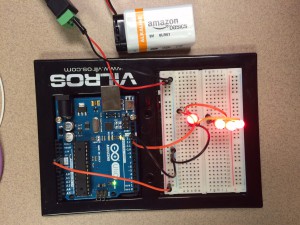
Today in class we learned how to use LEDs in multiple ways. While we did this we also learned what the symbols meant when drawing out a circuit and how to use the Arduino. Some of the things we did with the LEDs are a simple circuit, adding a resistor, putting a switch in the circuit, parallel wiring and RGB LEDs. You can see pictures of the simple circuit with a swtich and the parallel wiring on the breadboard. I also learned that the holes in the breadboard run parallel with each other so in order to connect the different parts of the circuit, they have to be in the same column. The resistor is used so that the 9 volt battery is not giving too much charge to the LED causing it to burn out. on top of that, the positive leg of the LED is the longer leg, and the shorter leg is the negative. I now have a clearer understanding of how all of the components work and flow together. 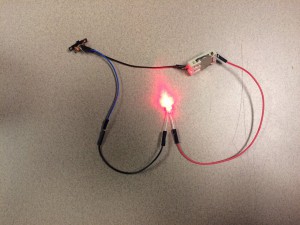
Category Archives: Arduino
Arduino
Arduino, Breadboard, and Circuiting

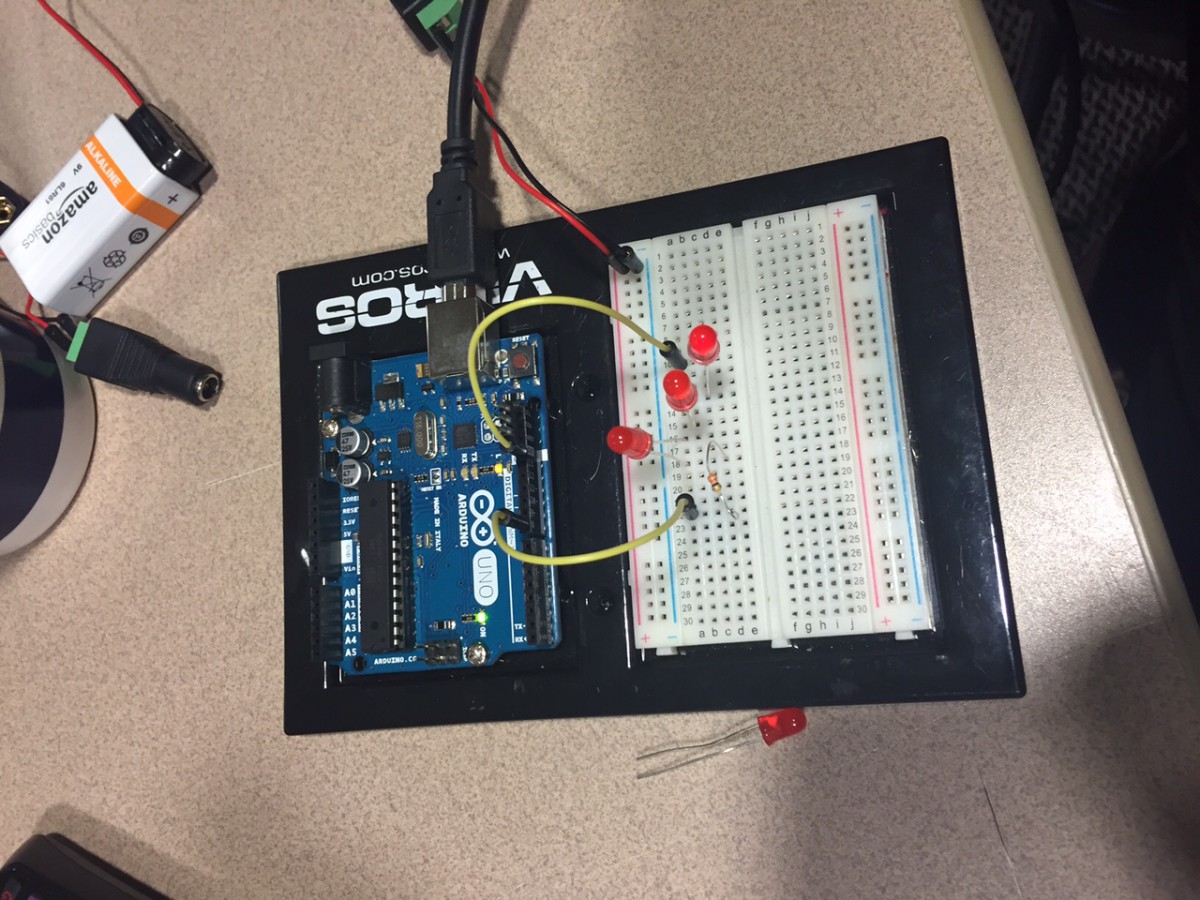
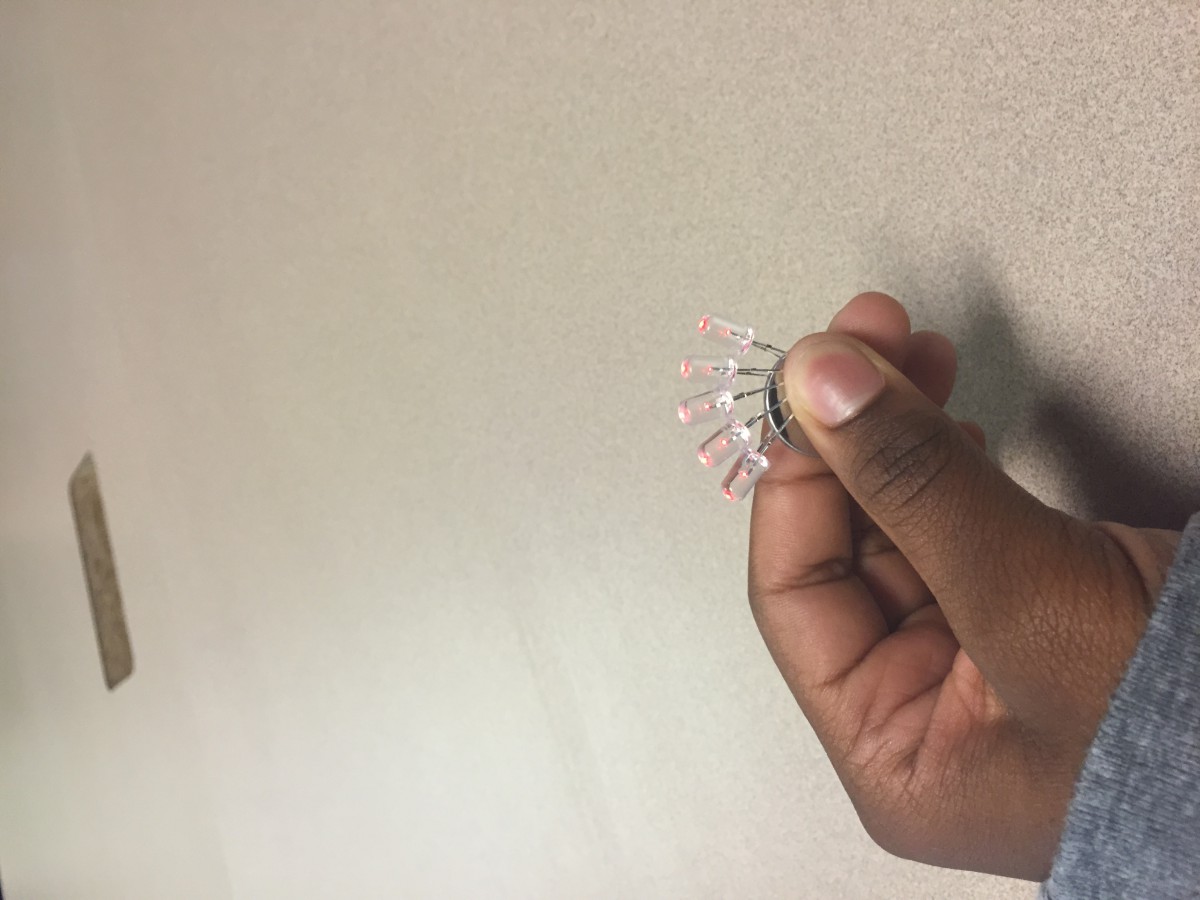
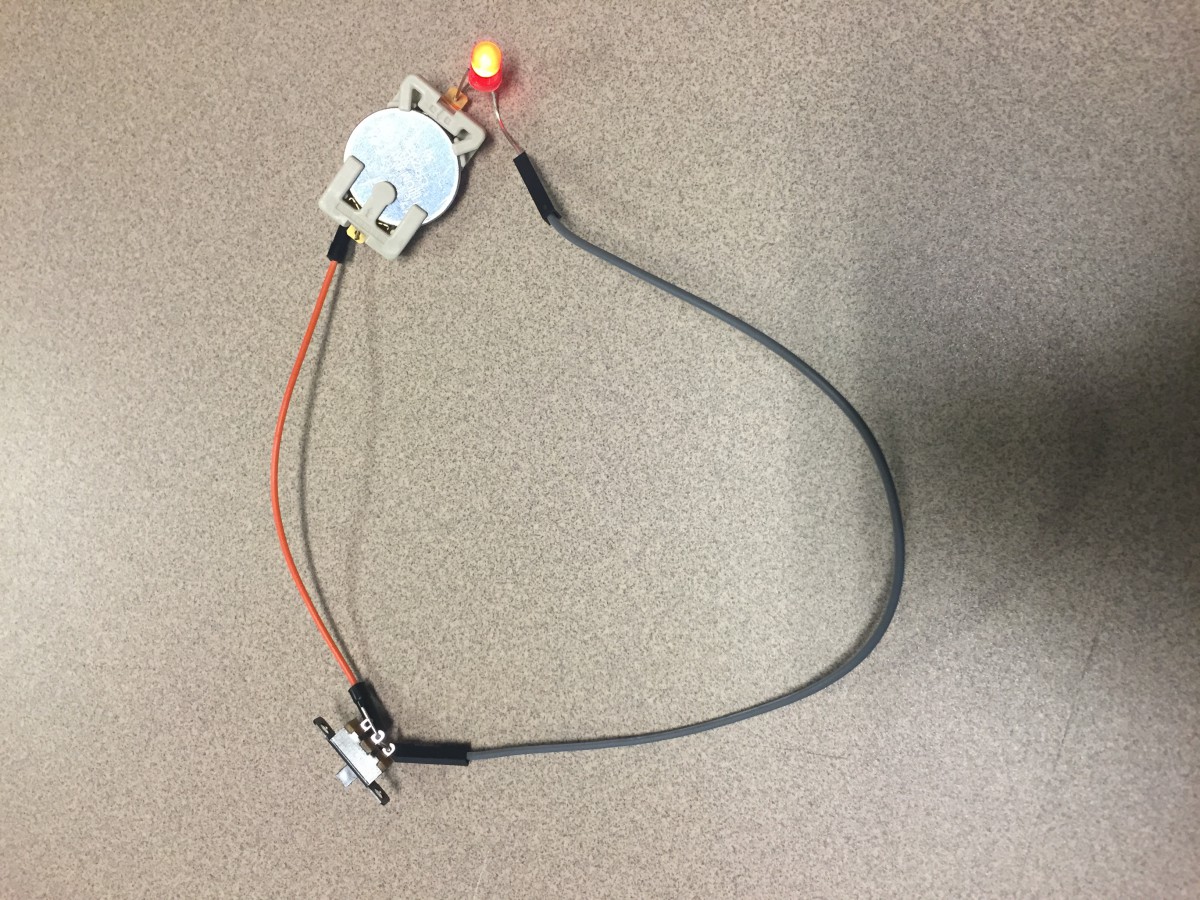
In class we started with basics and moved into the more complicated aspects of lighting LEDs. We first determined the positive from the negative ends of lights and batteries so that we could successfully make a circuit with a 3 volt battery. Next we moved into doing that will a switch so that you can control when the light is on and off. I then proceeded to using a breadboard where you used the cables to connect to a 9 volt battery. To make it a little more complicated you added a switch to the breadboard circuit you already made. Next I made it where the light could blink using code on half a second intervals. Lastly I created it where three lights could be connected and light using programming with the Arduino.